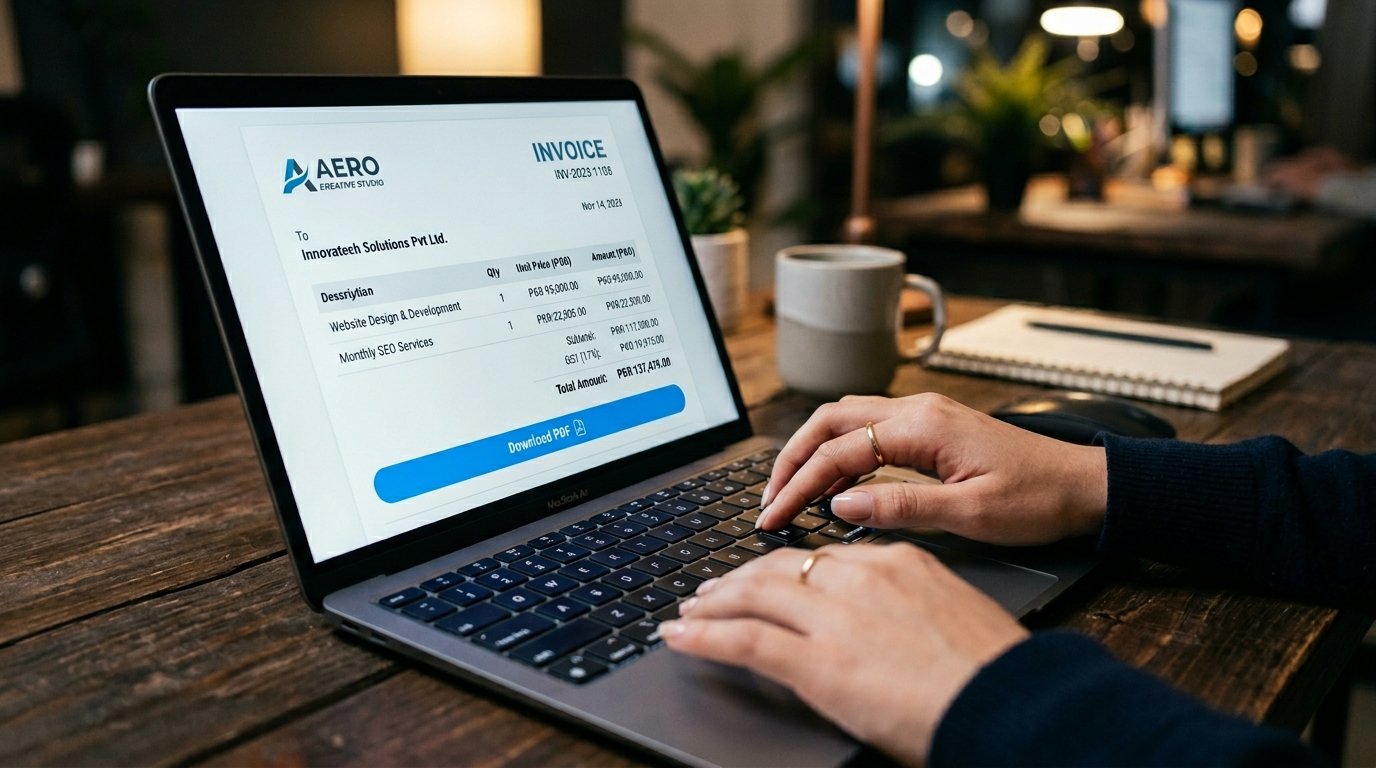
What Is the BizTools Invoice Generator?
The BizTools Invoice Generator is a free, browser-based tool that lets freelancers, small business owners, and entrepreneurs create professional invoices without installing any software or creating an account. Available at screewhite.shop/tools/invoice-generator, the tool is designed to strip away every unnecessary step between you and a ready-to-send invoice.
Whether you are a graphic designer billing a client, a consultant issuing a monthly retainer invoice, or a retail shop owner who needs a quick sales document, this tool covers the full invoicing workflow in one clean, uncluttered screen. You enter your business details, add your client's information, list the products or services you are charging for, configure taxes and discounts, and export a professionally formatted PDF — all in a matter of minutes.
Key Features of the Invoice Generator
What separates a good invoice tool from a great one is not the number of features — it is how thoughtfully those features fit your actual workflow. Here is what makes BizTools' generator stand out.
Instant PDF Download
Click "Print / PDF" and your browser generates a clean, print-ready invoice document. No server delay, no email link — it is ready the moment you click.
GST & Tax Calculation
Enter your tax or GST percentage and the tool automatically calculates the tax amount and adjusts your total. Perfect for businesses registered under Pakistan's tax system.
Discount Support
Apply a percentage-based discount to your invoice subtotal. Great for offering promotional pricing or loyalty discounts without manual math.
Multiple Line Items
Add as many products or services as you need using the "+ Add Item" button. Each item includes a description, quantity, and rate field.
Payment Details Section
Include your bank name, account number, and IBAN/IFSC directly on the invoice so clients know exactly how to pay you.
Notes & Terms
Add custom payment terms, thank-you messages, or any special notes. The default reads "Payment due within 30 days" — editable to suit your business.
How to Create an Invoice in 6 Simple Steps
Creating your first invoice takes under two minutes. Here is the exact process from start to PDF:
Set Your Invoice Details
The tool auto-generates an invoice number (INV-001) and today's date. Set a due date from the dropdown — by default it is 30 days out. Update these fields to match your billing cycle.
Fill In Your Business Information
Under the "FROM" section, enter your name or business name, address, email or phone number, and your GST/Tax Number if applicable. This appears at the top of your invoice as your sender identity.
Enter Client Details
In the "BILL TO" section, add your client's name or company, their address, and contact information. This ensures your invoice is clearly addressed to the right party.
Add Your Line Items
Click "+ Add Item" for each product or service. Enter a description, quantity, and rate in PKR. The amount column calculates automatically. Remove any row with the red × icon.
Apply Tax and Discount
Enter your GST/Tax percentage in the "Tax / GST %" field and any discount in the "Discount %" field. The subtotal, tax amount, and final TOTAL update instantly in real time.
Download as PDF or TXT
Click "Print / PDF" to open your browser's print dialog and save a PDF. Alternatively, use "Download TXT" for a plain-text copy. Share it directly with your client via email or WhatsApp.
Who Should Use This Invoice Generator?
This tool was built for anyone who needs to send invoices without the overhead of accounting software subscriptions. If you fall into any of the following categories, this tool is for you:
Freelancers and independent contractors — whether you are a web developer, writer, photographer, or social media manager, you need to bill clients professionally. This tool lets you do that without committing to a monthly plan.
Small and micro-businesses — shops, service providers, and home-based businesses that do not have a dedicated accounts team can use this tool to produce clean, credible invoices that match the quality of larger competitors.
Startups and new ventures — when you are just getting off the ground, investing in enterprise billing software is rarely a priority. BizTools gives startups a professional invoicing solution from day one at zero cost.
Consultants and agencies — project-based professionals who bill for multiple services in a single invoice will appreciate the ability to add unlimited line items, apply tiered rates, and include clear payment terms.
BizTools vs. Other Invoice Tools — Why Free Actually Means Free
Most "free" invoice tools online are free in name only — they limit your exports, hide GST fields, or cut you off after 5 invoices unless you upgrade. BizTools is different. Here is exactly how it compares:
| Feature | BizTools Invoice Generator | Other Online Tools |
|---|---|---|
| Cost | ₨0 — 100% Free Forever | Free trial, then paid plans |
| Account Required | No Sign-Up Ever | Mandatory Registration |
| PDF Export | ✓ Always Free | Locked behind paid tier |
| GST / Tax Field | ✓ Always Free | Often a paid feature |
| Discount Field | ✓ Always Free | Often a paid feature |
| Bank / IBAN Details | ✓ Always Free | Often a paid feature |
| Unlimited Invoices | ✓ Unlimited & Free | Capped on free tier |
| Data Privacy | Nothing stored on server | Data stored in their cloud |
| Mobile Friendly | ✓ Fully Responsive | Varies |
BizTools gives you every feature — PDF export, GST, discounts, bank details, unlimited invoices — completely free, with no trial period, no credit card, and no upgrade prompt. Ever. It is not a freemium product with a paid wall waiting around the corner. Everything you see is everything you get, and it costs nothing.
Tips for Writing Effective Invoices
A well-structured invoice does more than request payment — it communicates professionalism, sets expectations, and reduces the chance of payment disputes. Keep these principles in mind every time you generate an invoice:
Be specific with your line item descriptions
Vague entries like "Services rendered" invite questions and delays. Instead, write "Website homepage design — 3 revisions included" or "Content writing — 5 x 800-word blog posts." The more specific you are, the less room there is for a client to dispute what they are paying for.
Always state a due date
The tool's default due date is 30 days from the invoice date. Adjust this to match what you agreed with your client. A clearly visible due date removes ambiguity and gives you a firm basis for follow-up if payment is late.
Include complete payment instructions
Use the Payment Details section to list your full bank name, account number, and IBAN. Clients should never have to email you asking how to pay. Every extra step between them and payment is a delay.
Use notes to reinforce your terms
The Notes / Terms section is the right place to mention late payment fees, refund policies, or project ownership terms. Keep it brief and businesslike — two or three sentences is enough.
Send invoices promptly
Issue your invoice as soon as the work is complete or at the agreed billing date. Delayed invoices are often forgotten invoices. With BizTools, generating and downloading takes under two minutes, so there is no excuse to wait.
Privacy and Data Security
One concern many business owners have when using online invoice tools is where their financial and client data goes. With BizTools Invoice Generator, this concern is minimal. The entire invoice is generated client-side in your browser. Your business name, client details, amounts, and bank information are never transmitted to or stored on any external server. When you close the tab, the data is gone.
This is a meaningful distinction from cloud-based accounting platforms that store your invoice history, client database, and financial records permanently — data that could theoretically be accessed, breached, or used for commercial purposes.
Frequently Asked Questions
Is BizTools Invoice Generator completely free?
Yes. The BizTools Invoice Generator is 100% free to use with no hidden charges, subscriptions, or premium tiers. There is no "free plan with limits" — everything is available from the moment you open the page.
Do I need to create an account to generate an invoice?
No. There is no sign-up or registration of any kind. Simply open the tool, fill in your details, and download your invoice. The process is entirely anonymous.
Can I add GST or sales tax to my invoice?
Yes. The tool includes a "Tax / GST %" input field that automatically calculates and adds the correct tax amount to your invoice subtotal, updating the total in real time as you type.
What currencies does the Invoice Generator support?
The tool currently supports PKR (Pakistani Rupee) with a currency selector available on the invoice interface. Rates are displayed as "Rs." on the generated invoice.
Can I save my invoice and edit it later?
The tool does not save invoices between sessions, as no data is stored server-side. For recurring invoices, download your PDF and keep it as a reference, then re-enter details for the next billing cycle.
Is the invoice generator mobile-friendly?
Yes. The interface is fully responsive and works on smartphones and tablets. You can fill in and download an invoice directly from your mobile browser without any issues.
Ready to Send Your First Invoice?
Join thousands of freelancers and small businesses who generate professional invoices in seconds — for free.
Generate Your Invoice Now →Related Business Document Tools
BizTools offers a full suite of free business document generators. If you need more than just invoices, explore these tools on the same platform: